Building Block 3 of 5
Machine Setup
Setting up a CNC mill or lathe correctly is the difference between perfect and scrapped parts. Also essential is understanding the work envelope of the machine to avoid a “career limiting” collision, proper work holding and location, and tool loading and control interface. Even a flawless program will fail without the right setup.
-
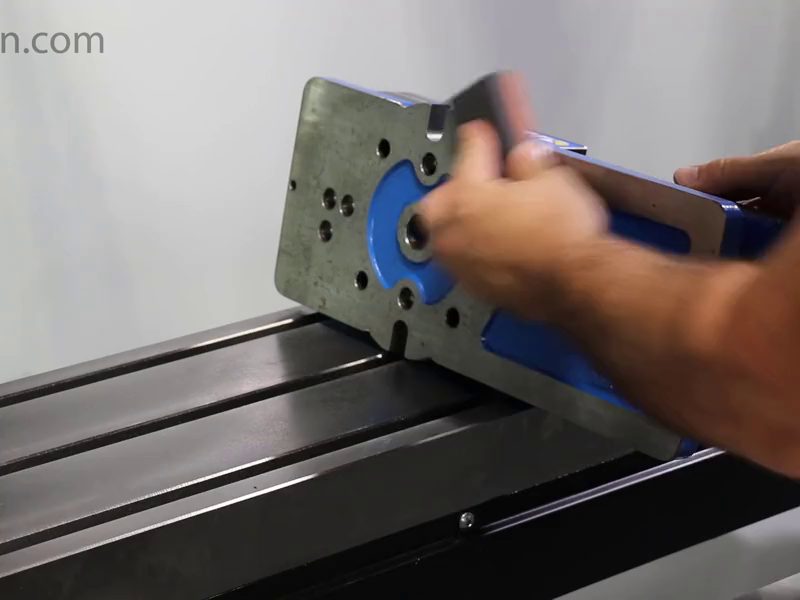
Installing a vise
-
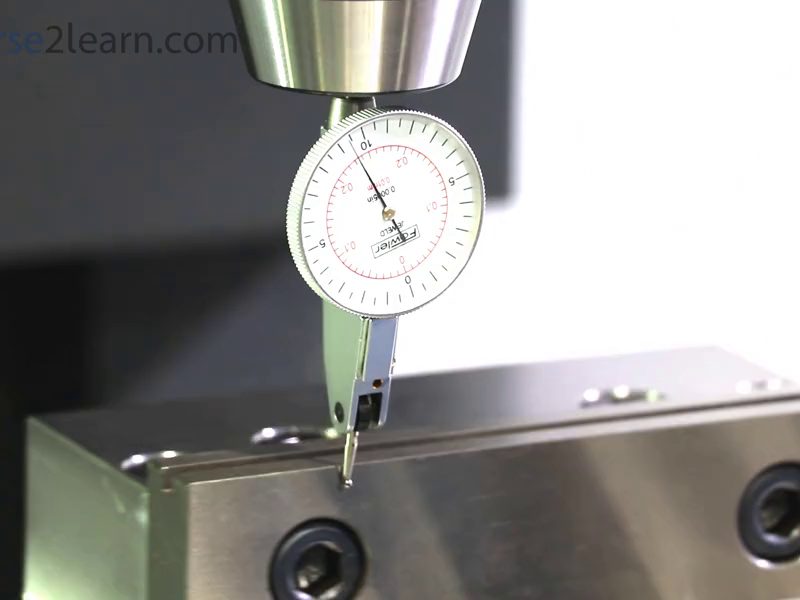
Indicating a vise
-
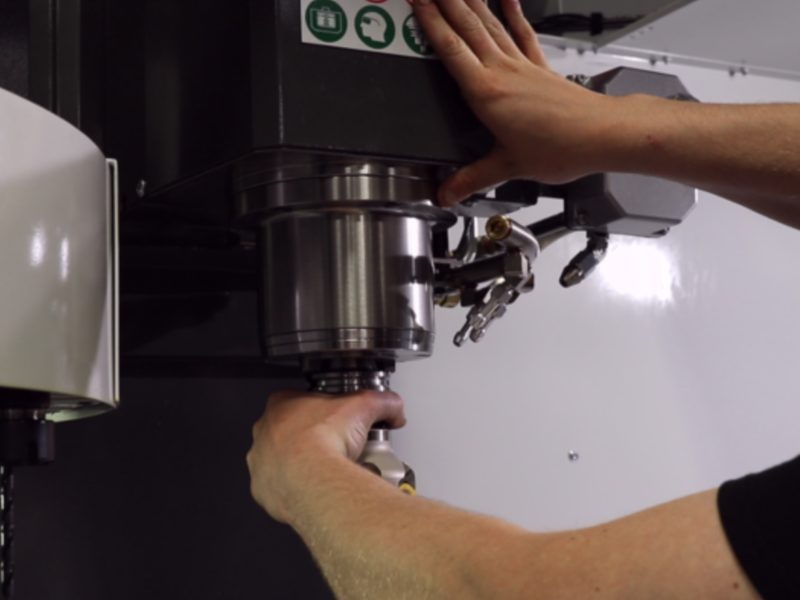
Loading a tool


What this building block covers
- Next Generation Control (NGC) overview
- Machine control panel interface
- 3-axis CNC milling machine setup
- 2-axis CNC lathe setup
- Tooling, tool holders and work holding
- Introduction to probes and tool setting
Next in the pathway
Machine Setup leads into G-Code Programming, where students program the machines they now understand — using the NextGen CNC Simulator in a browser, on a laptop or Chromebook.