Building Block 4 of 5
G-Code Programming
Writing M and G code for mill and lathe, then visualizing what it does. Students program in the NextGen CNC Simulator, so practice is not rationed by how many lab machines are free, or by location.
-
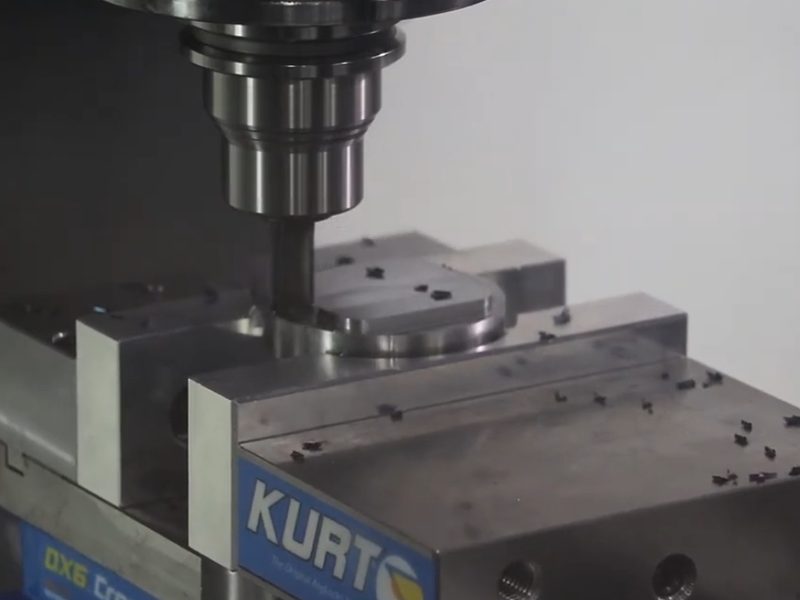
CNC mill project
-
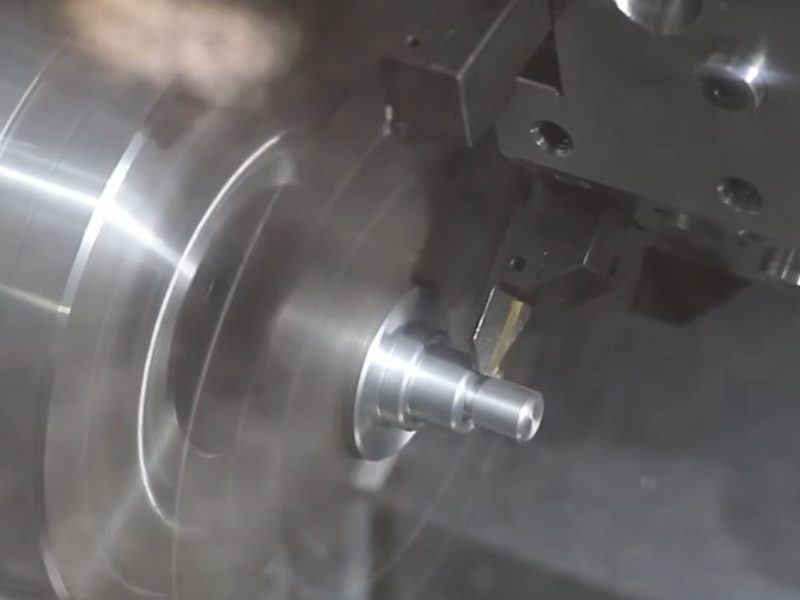
CNC lathe project


Why this comes before CAM
CAM is only as good as the person driving it. Machinists, and people with machining backgrounds, are the ones who make successful CAM programmers — and writing G-code by hand is a large part of what builds that. G code is the basic language that a machinist learns to become literate in programming code.
That is why this is a prerequisite rather than a formality. A student who has written the code can read what a post processor gives them and tell whether it has good syntax and safe home moves, adjust for tool wear, and add optional stops before tool changes.
What this building block covers
- 3-axis CNC milling machine programming
- 2-axis CNC lathe programming
- Beginner to novice CNC mill and lathe projects — print reading through to part inspection
- Step-by-step projects that simulate machinist reasoning and operations from reading a blueprint

The reference is in the editor
Every code carries its own explanation: what it does, which modal group it belongs to, and the things that fire alarms. G41 needs a D word. It cannot be turned on or off inside an arc. It wants at least half a tool diameter of lead-in before it reaches the part. Or a G96 requires a G50 max speed before it.
You might not be fluent in G code. But literate students have a keener eye to catch problems or refine programs now, when they least expect to. When reading a program created in CAM, the program is legible rather than simple letters and numbers on a screen.
Projects, not exercises
The project courses run the whole job rather than a fragment of it: read the print, select tooling and work holding, calculate feeds and speeds, write the program, run the program and inspect the part. That is the sequence a shop pays for, and it is where the earlier building blocks come together.

The NextGen CNC Simulator carries the programming practice, so a mistake costs seconds rather than a scrapped billet.
Next in the pathway
G-Code Programming leads into CAM Programming, where students move from writing code by hand to driving it from a model.